
Menu
Your Fidelity Bank debit card is being upgraded to Visa®. Your new card includes contactless tap-to-pay and worldwide Visa® acceptance – giving you a faster, more secure, and more convenient way to pay.
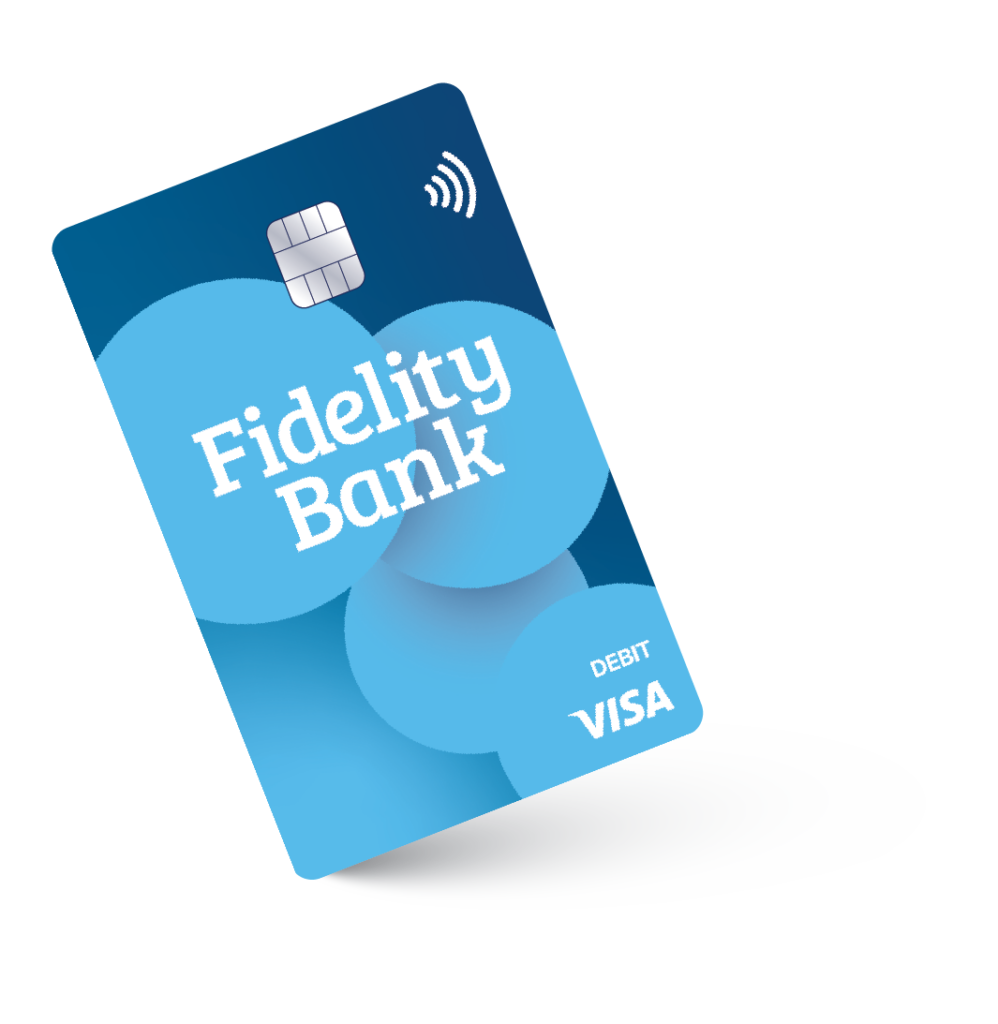
Please activate your new Visa® Debit Card within 30 days of receiving it.
To activate your new Visa® Debit Card: Call 1-800-290-7893 and follow the prompts to activate your card and set your Personal Identification Number (PIN).
What You Can Do with Your New Fidelity Bank Visa® Debit Card
Your new Visa® debit card offers the same convenience and security you rely on—now with expanded Visa® acceptance and new features.
We periodically review our card programs to ensure we provide the best experience, security, and long-term value for our clients. Moving to Visa® means your debit card will be accepted at more merchants, allows for enhanced digital payment capabilities, and additional features in the future.
Both Visa® and Mastercard® are widely accepted global payment networks with strong protections. Your everyday experience will be very similar, but your new Visa® debit card offers expanded acceptance and updated digital payment compatibility.
Please activate your new card within 30 days of receiving it.
Your previous Fidelity Bank Mastercard® debit card will stop working once your new Visa® debit card is activated, or 30 days after you receive your new card – whichever comes first.
No. Your new Visa® debit card was automatically issued as part of Fidelity Bank’s upgrade from Mastercard® to Visa®.
Call 1-800-290-7893 and follow the prompts to activate your new Visa® Debit Card and set your Personal Identification Number (PIN).
Confirm you’re using the correct phone number provided with your card. If you continue to have trouble activating your card, please contact us at 800-581-5363 for assistance.
Yes. During the activation process, you will be prompted to set a new Personal Identification Number (PIN) for your new Visa® Debit Card.
Each debit card corresponds to a specific checking account. If you received multiple cards, you can identify the associated account by logging into Online or Mobile Banking and reviewing your card details, or by contacting our Client Care team at 800-581-5363 for assistance.
When transitioning to a new payment network, a new card number is issued for security and processing reasons.
Yes. Any recurring payments tied to your old debit card (such as streaming services, utilities, or online subscriptions) will need to be updated with your new card information. Be sure to update your card number, expiration date, and 3-digit security code anywhere it is saved.
No. You will need to remove your old card and add your new Visa® debit card to your digital wallet, such as Apple Pay®, Google Pay™, or Samsung Pay®.
Once your new Visa® Debit Card is activated and working, securely destroy your old card by cutting through the chip and magnetic stripe.
No, your card controls, alerts, and travel notices will need to be reset for your new Visa® Debit Card within Card Management.
Yes. Your new Visa® Debit Card includes the same fraud monitoring and alert protections to help identify and prevent suspicious activity.
Yes. You can tap, insert, or swipe at retailers, withdraw cash at ATMs, and make digital payments just as you did before.
Yes. Visa® is accepted at millions of locations worldwide.
Our Client Care team is here to help. Call us at 800-581-5363 or visit any Fidelity Bank Banking Center.
As part of this upgrade to Visa®, Fidelity Bank will also transition away from the SUM® surcharge-free ATM network beginning March 31, 2026 as new cards are activated.
Before you move on, please know you are about to leave the Fidelity Bank website. The privacy and security policies of the site you are about to view may be different than those of Fidelity Bank.